---
title: "TruView Plugin Manager (TruView Desktop only)"
slug: "truview-truview-plugin-manager-truview-desktop-only"
updated: 2026-09-07T08:46:33Z
published: 2026-09-07T08:46:33Z
canonical: "rcdocs.leica-geosystems.com/truview-truview-plugin-manager-truview-desktop-only"
---
> ## Documentation Index
> Fetch the complete documentation index at: https://rcdocs.leica-geosystems.com/llms.txt
> Use this file to discover all available pages before exploring further.
# TruView Plugin Manager (TruView Desktop only)
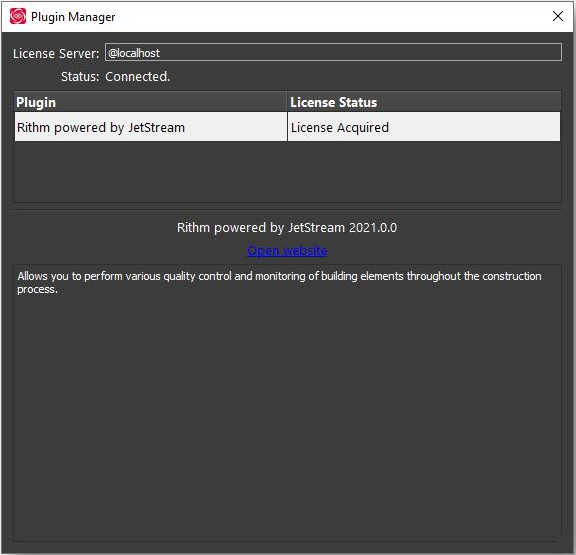
The plugin manager displays all supported plugins that have been installed for TruView. It can be used to check license status and view info for individual plugins.

To open the TruView Plugin Manager click on the TruView Plugins button then select Plugin Manager.