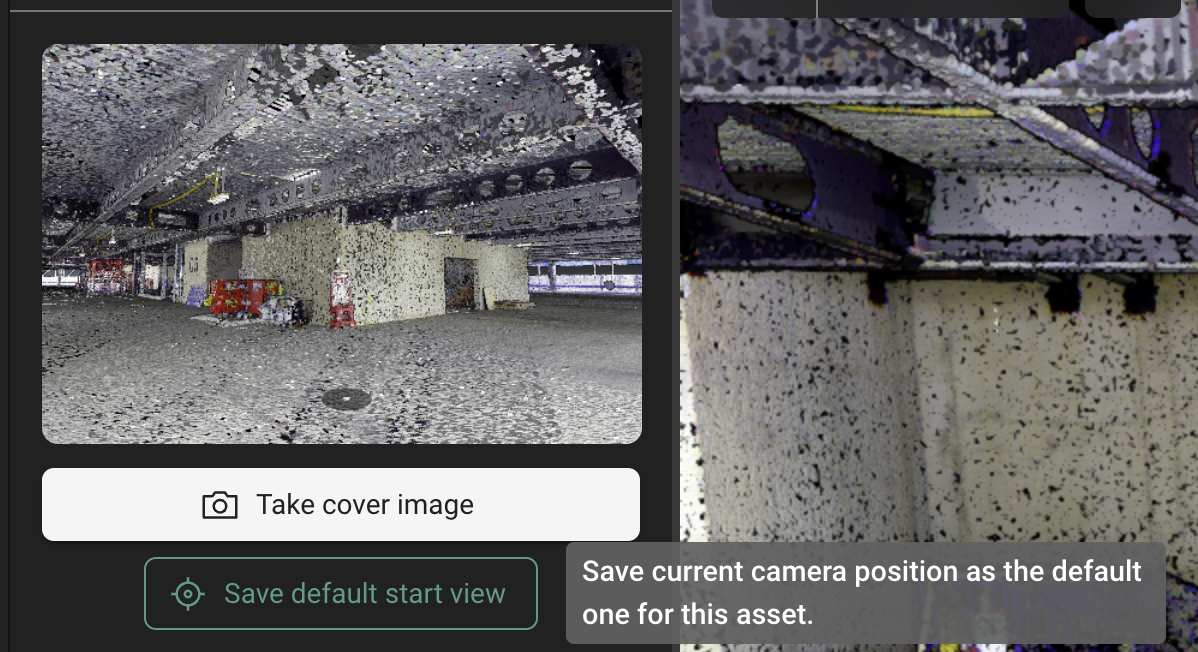
You can now set the starting position of a 3D asset view. This feature is similar to setting a thumbnail for an asset, except that it affects which viewpoint should be shown first when anyone opens the asset
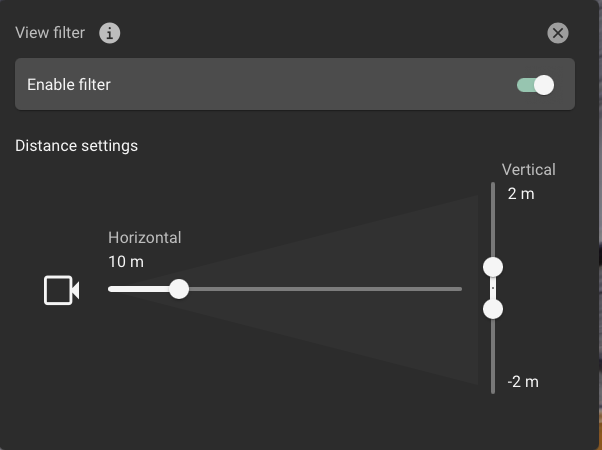
You can now filter GeoTags and panoramic setups in the 3D asset view. This allows you to declutter the view and focus only on the closest GeoTags and Panoramic Setups. You can filter both horizontally and vertically, which can greatly help for reality scans with many floors as well as scans with large open floors such as hangars.
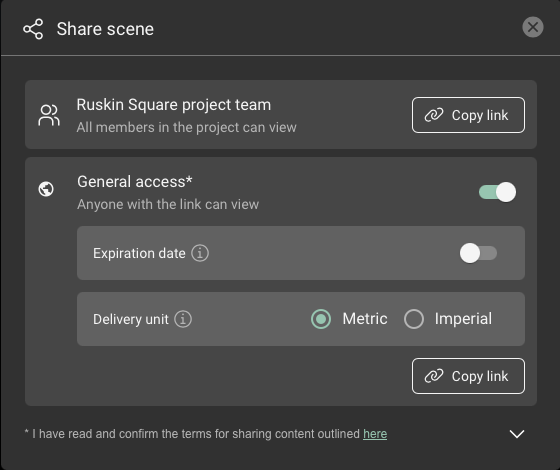
Sharing a scene now has the option to set the expiration date of the link as well as the units of the coordinates should be displayed in.
Clicking next to the settings panel in a 3D Asset view no longer dismisses the panel. This allows you to keep the panel open until you manually close it again by “X” on the upper right corner. This is handy when tweaking settings.
External users, invited to an account with valid EID can work as usual in within the context of the account they’re invited to (as long as they have the right roles / level of access)
Minor fix to error reporting on the experimental UAV pipeline
Automeshing very large datasets can take longer than usual. We had to disable parallel processing temporarily. We are working to restoring this feature so that very large meshes can be processed faster again.