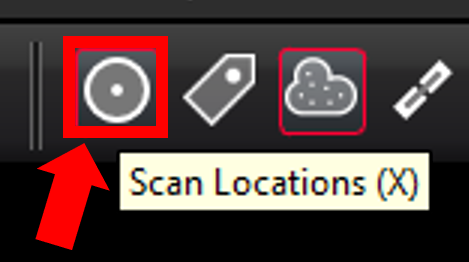
Users can show and hide all the individual Setup locations by clicking the Scan Locations button.
Alternatively, selected Setups can be hidden or shown from the left-side Explorer panel as follows:
Select one for more Setups.
Right-click and use the Show/Hide Setup(s) Clouds toggle.

Or click the Show/Hide Setup Clouds button on the action bar.