This tool allows users to edit panoramic images by manually adding blur or automatically blurring car plates and human faces.
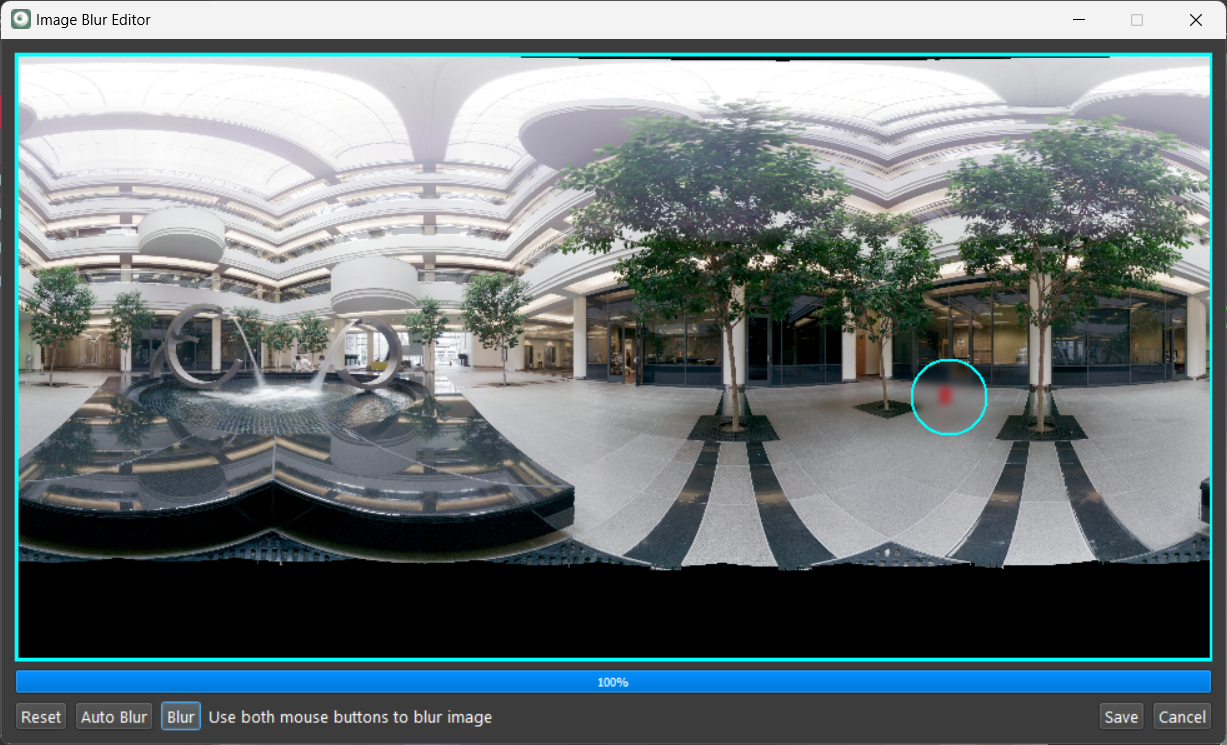
The Image Blur Editor tool includes the following functions:
Reset: Removes the current blur filters and restores the full zoom view.
Auto Blur: Automatically blurs car plates and human faces.
View/Blur/Clear: This multi-purpose button allows users to manually add blur filters using mouse operations.
Save: To save the applied blur filters.
Note: The WORKFLOW license is required to use the Auto Blur option.
To manually add the blur:
Click on View to display the blur brush circle.
The brush size can be changed using the mouse scroll.
Users may switch between the blur and clear view using the multi-purpose button.
Use the left click to move the blur brush to the desired location.
Click both the right and left buttons to apply the blur.
Click Save to store the blur filters and close the tool.