When importing BLK files, there is an optional Filter Level check box:

If filtering is not used, the point cloud will not be filtered; every point will be imported.
With the box checked, the filter will remove points to leave high- or low-density point clouds based on a 2 cm (high density) or 4 cm (low density) cube.
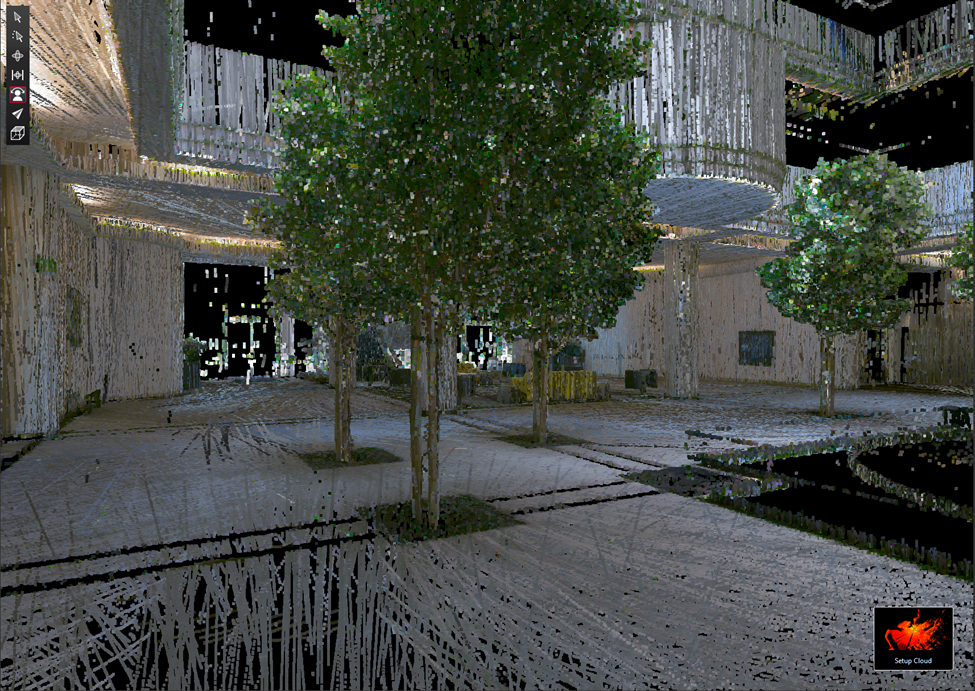
Filter Level unchecked 47,662,116 points
Filter Level: Point Density High
With the Filter Level set to High point density, it will remove all but a single point nearest the center of each 2 cm cube.
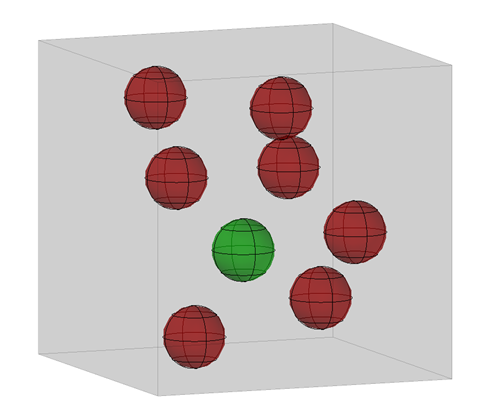
2 cm cube
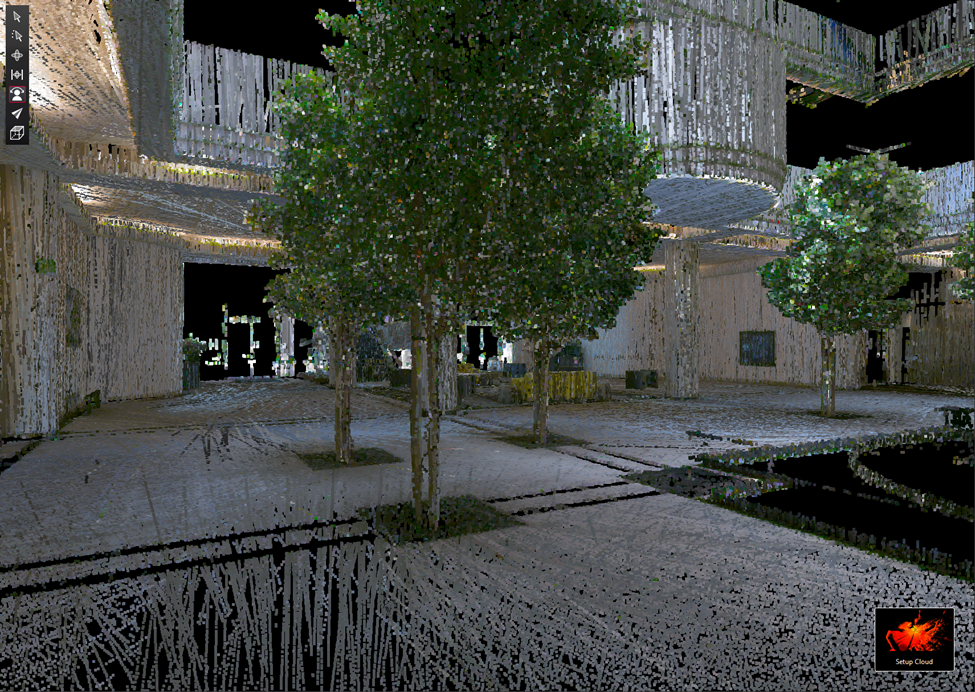
Filter Level Point Density High 9,524,630 points
Filter Level Point Density Low
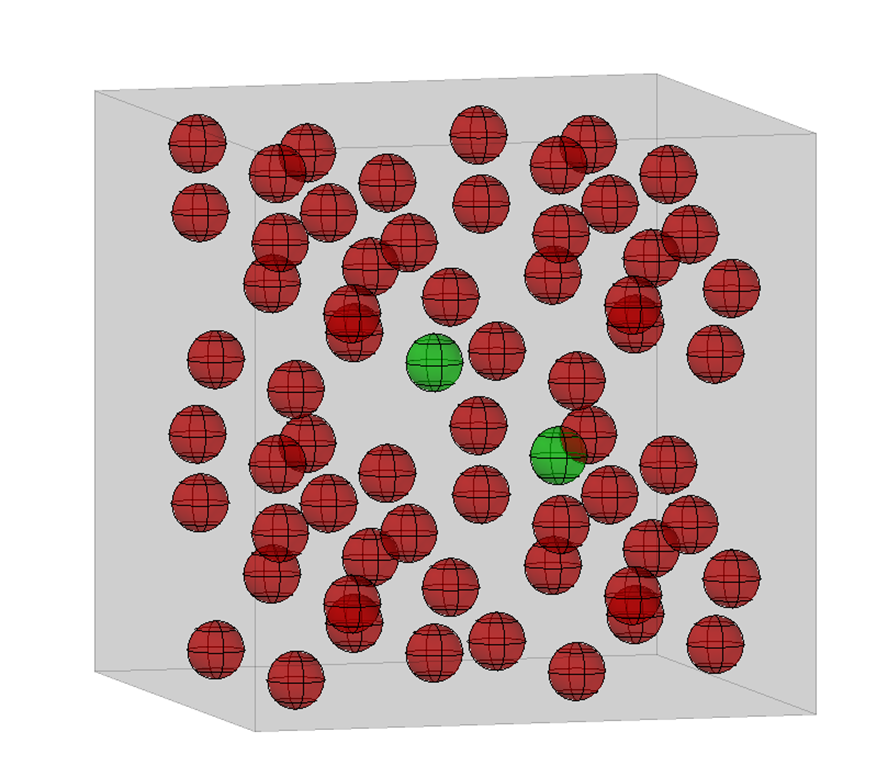
4 cm cube
With the Filter Level set to Low point density, it will remove all but the 2 points closest to the center of each 4 cm cube.
Since Volume = Length * Width * Height, a 4 cm cube will have 8 times the volume of a 2 cm cube, so Point Density Low will have about 4 times fewer points than High Density. Some cubes may have only one point; in that case, no points will be removed.
The reduction using voxelization removes points; it does not move points to make an evenly distributed point cloud.
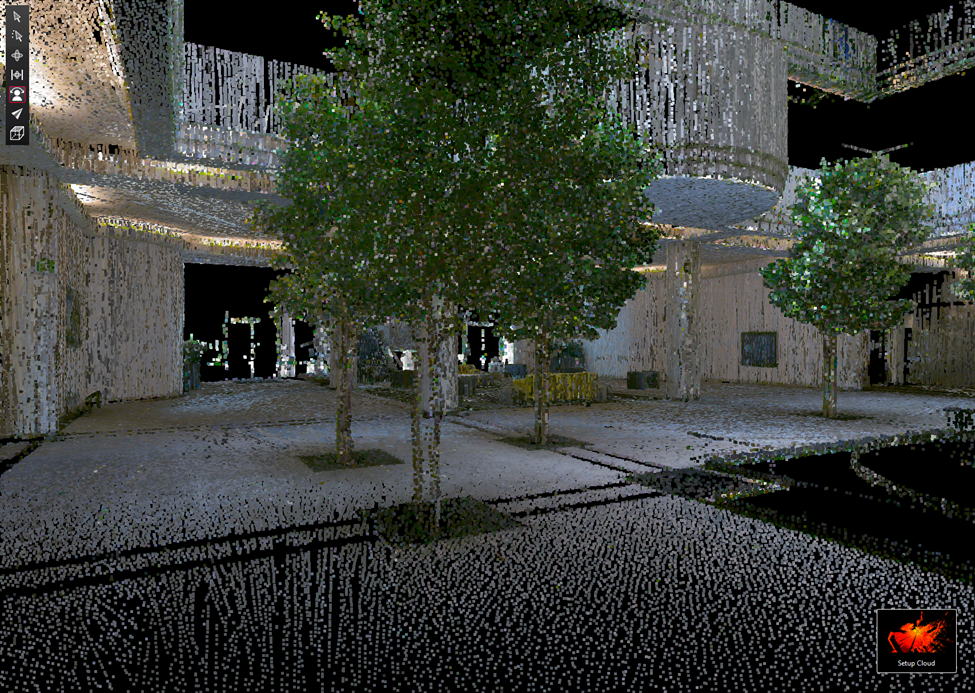
Filter Level Point Density Low 2,559,953 points