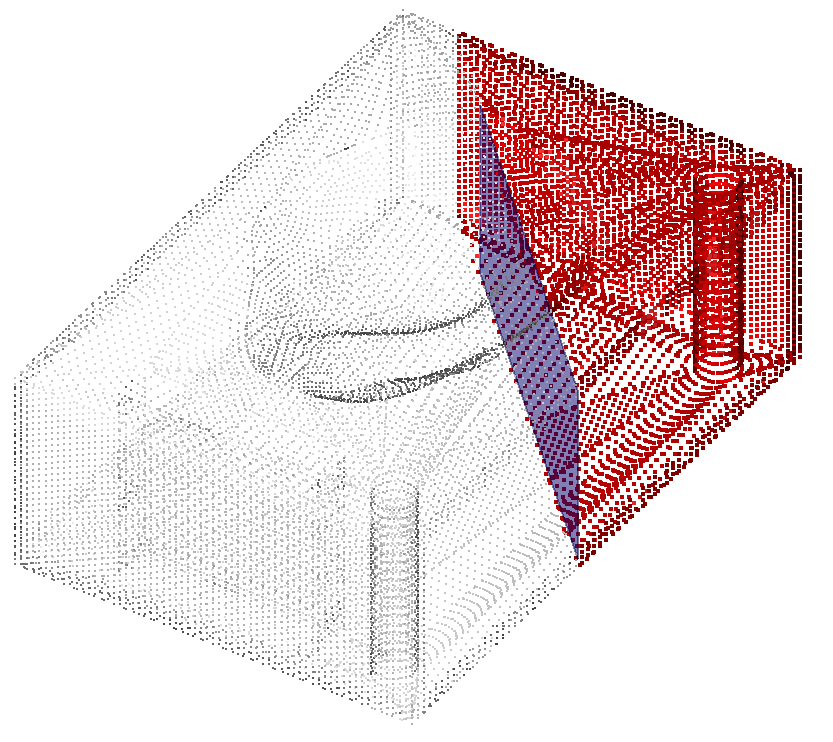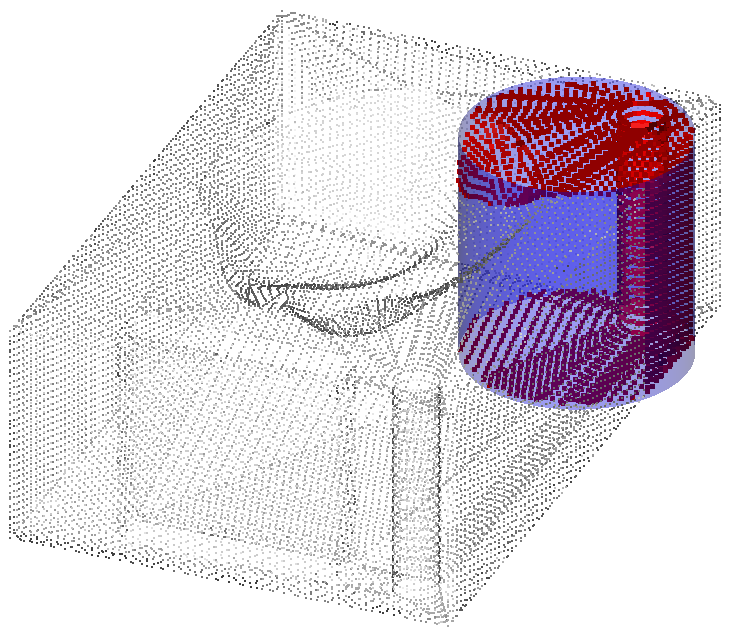
This command explodes one cloud into two parts using a selected object.
Requirements
Select a cloud and:
a linear object: planar and closed polyline, planar and closed CAD edge or wire, closed linear geometry (circle or rectangle).
a surfacic object: mesh, CAD surface, surfacic geometry (sphere, cylinder, plane).
Select a Direction. By default, the direction is set to the normal direction of the object itself.
The selected cloud is divided into two new clouds with different colors. You can choose to keep the two separated parts or only one with the two checkboxes.
Notes
The Direction group is available for linear object only.
|
|
|---|