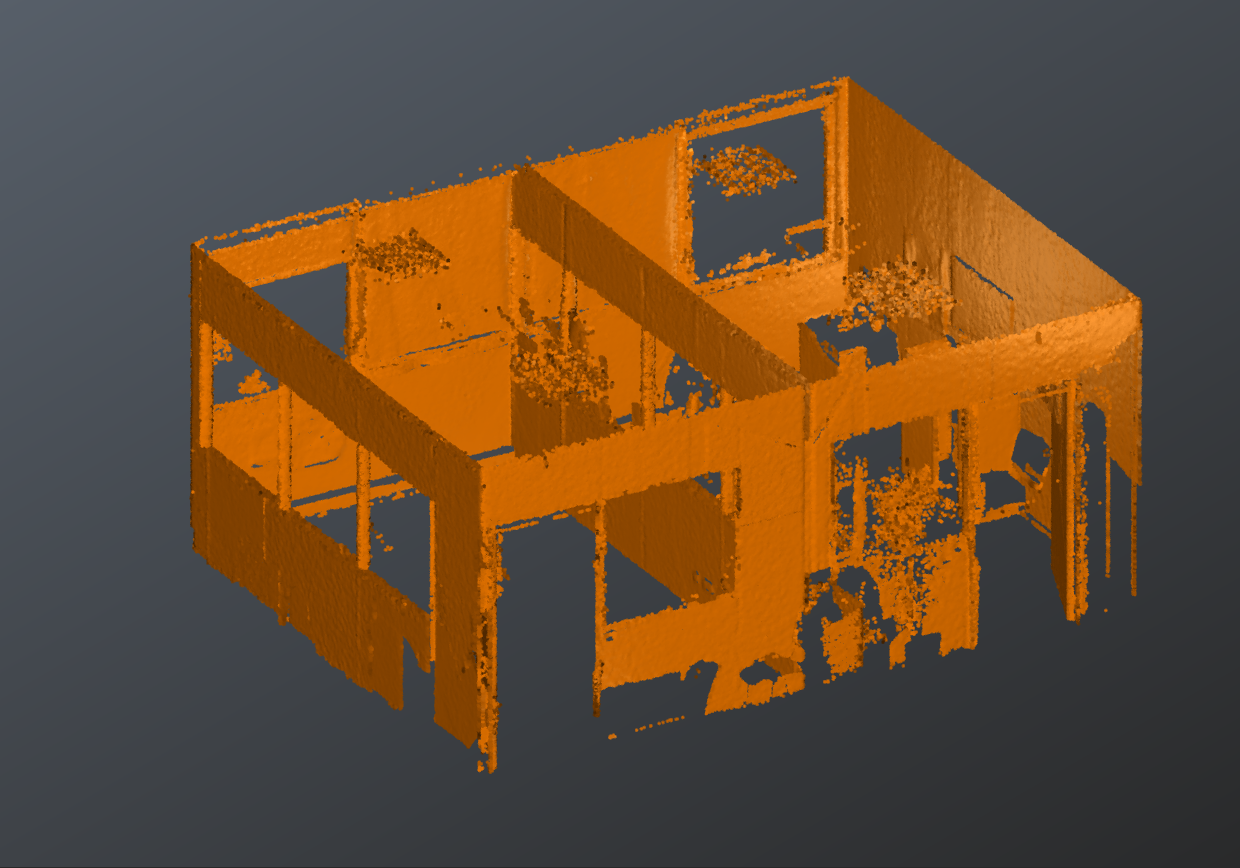
Open the file ClashAnalysis.3dr (download).
The file contains the point cloud of an office which has been scanned with a Leica BLK360.
For instance, to make an inspection either of the walls or the floors, we need to keep only the corresponding points. This can be achieved fully manually or can be prepared thanks to algorithms.
Display and select only the cloud, then launch the command Walls and Floors.
The angular tolerances can be adjusted to eliminate more or less points. Let both tolerances on 5°.
You may also set a higher local normal smoothing to get a smoother result.
All points that are not considered as wall or floor/ceiling are copied in the Others sub cloud. You can uncheck it to easily clean the input cloud.
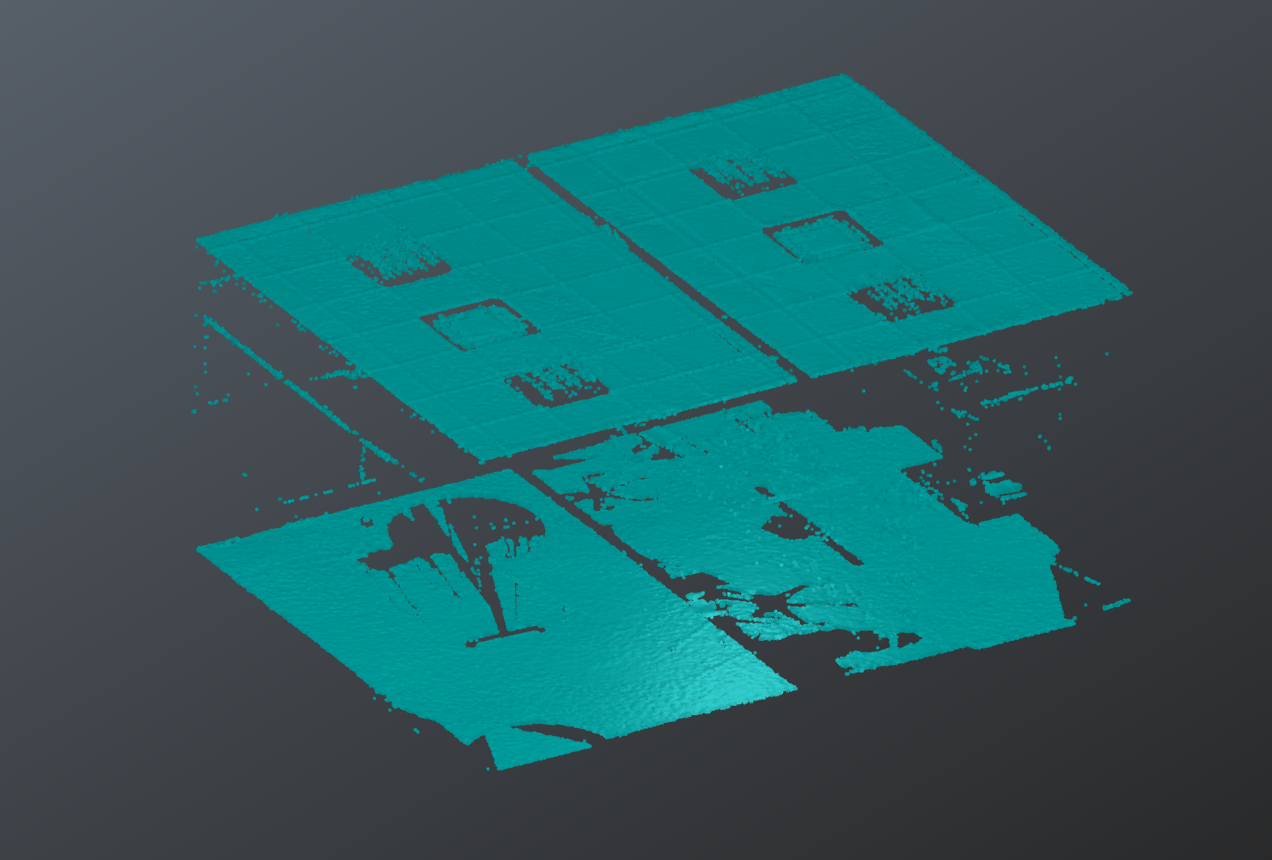
If scanning directions are defined on the cloud points, floor and ceiling can be extracted separately.
Then, select the result that corresponds to the walls (or to the floors/ceilings) and launch Distance with a Segmentation distance of 0.02 m and Filter small sub-clouds with less than 10000 points.
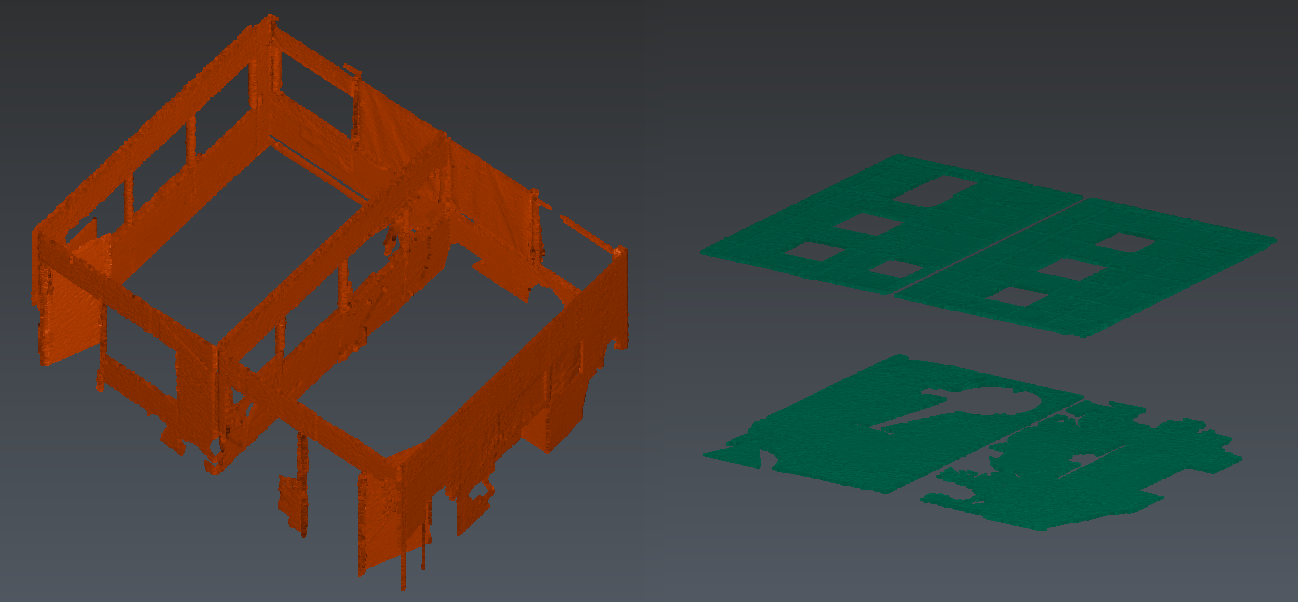
Optionally, complete manually the cleaning with Clean / Separate.