Option to Include Hue Intensity Panorama
In Settings, there is an option to include an intensity Hue Pano when exporting Panoramic images.
.png?inst-v=bde041b8-3963-4113-9854-dc8733f3bcd2)
To do that, the following steps are required:
Check the option in settings.
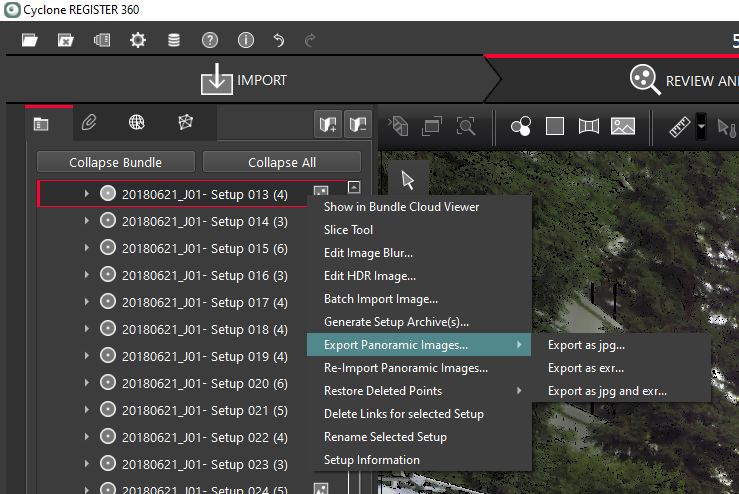
Right-click a Setup with a Panoramic image and select Export Panoramic Images.
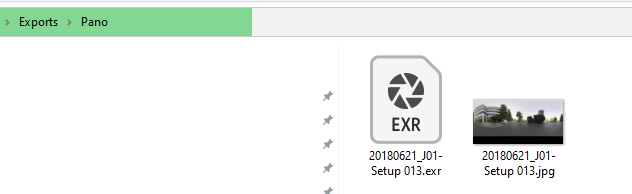
Open the export folder, and there will be a Hue Pano included. Filter points by range during import.
.png?inst-v=bde041b8-3963-4113-9854-dc8733f3bcd2)