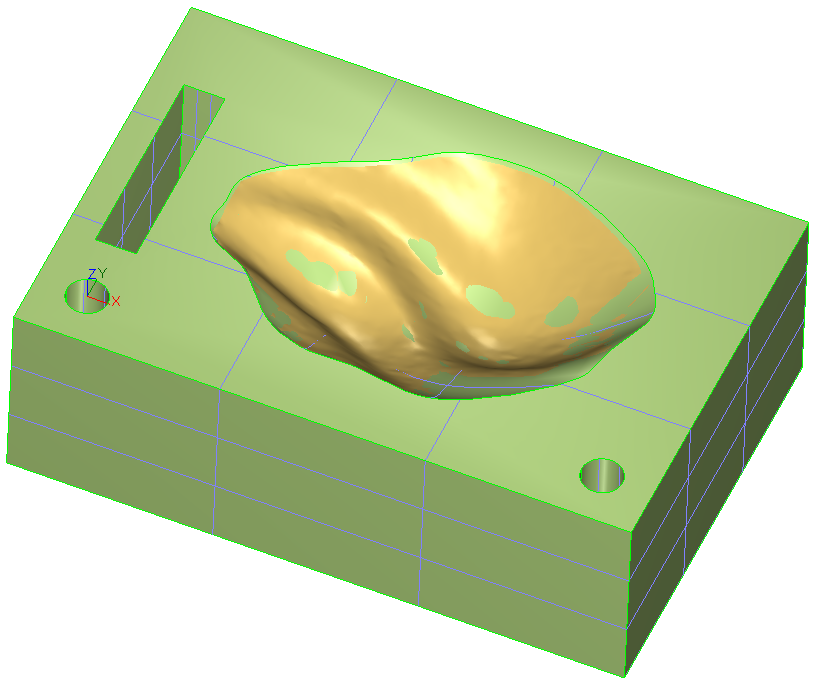
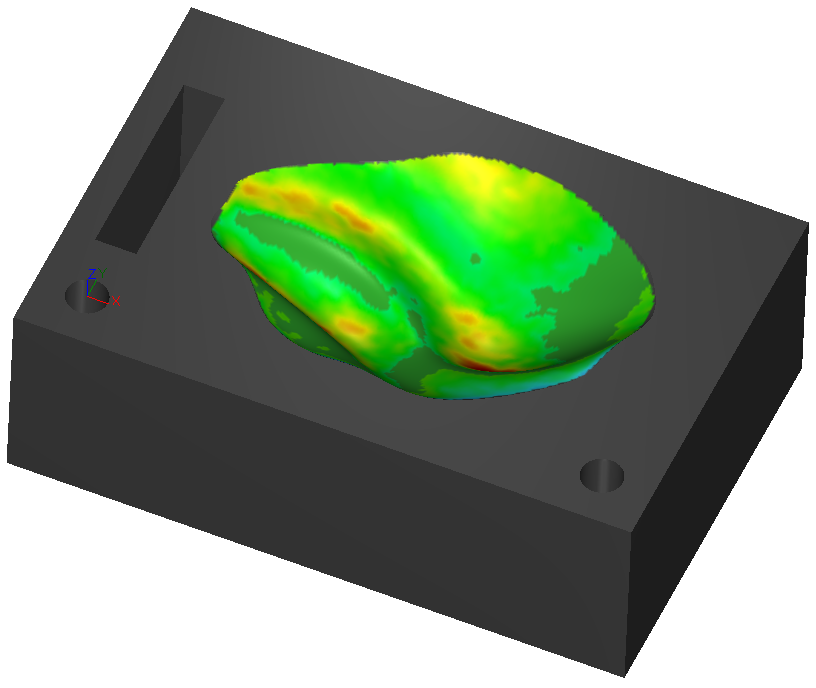
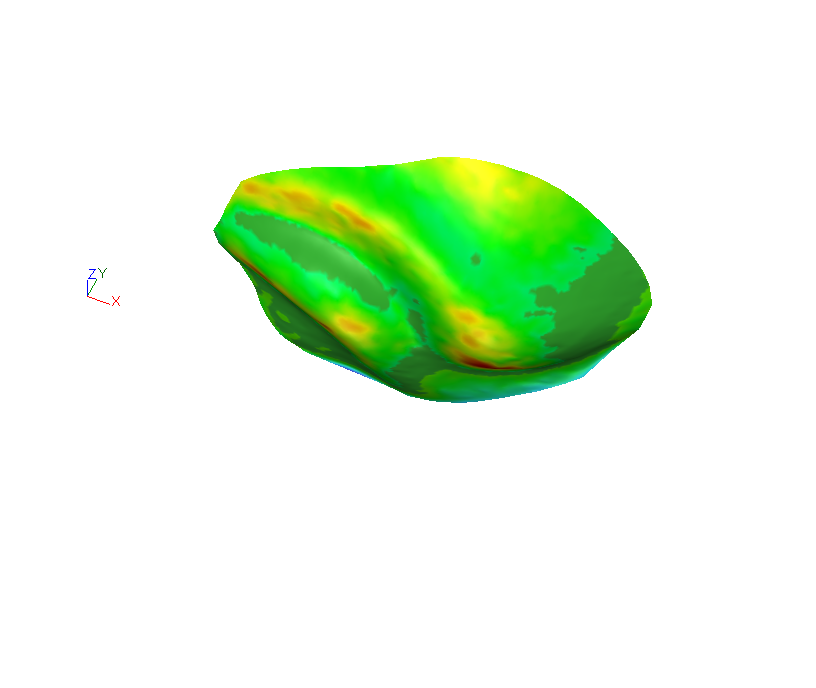
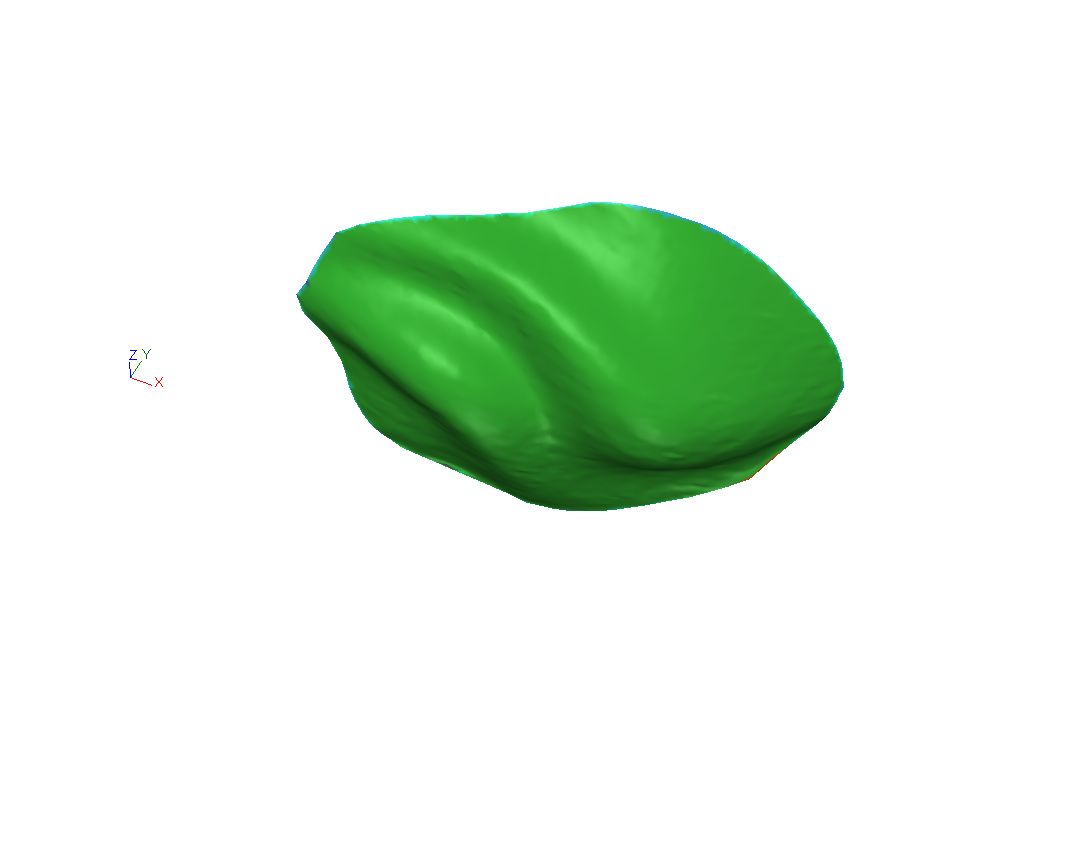
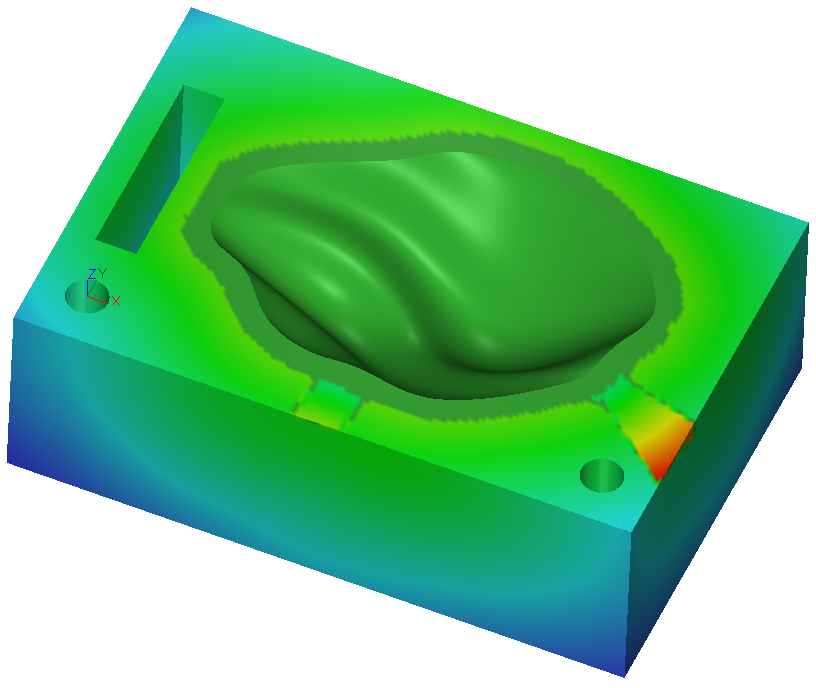
In this command, both the reference or the projected objects can be colored. Here is an example of the 4 possible combinations to illustrate:
the difference if we choose one object as reference or the other,
the difference if we color the reference or the measure.
Inspection between a CAD and a mesh | Reference = CADMeasure = mesh | Reference = meshMeasure = CAD | ||
|---|---|---|---|---|
Input objects | Color the CAD | Color the mesh | Color the mesh | Color the CAD |
|
|
|
|
|
Inspection between 2 polylines | Color the reference with magnification | Color the measure with magnification |
|---|---|---|
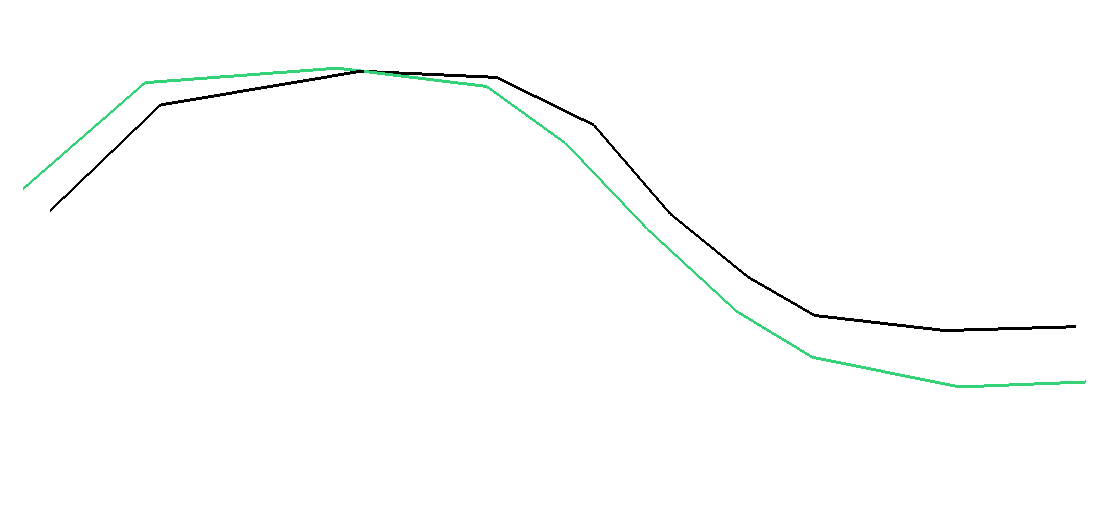
Black: reference Green: measure |
The reference is colored. The deviation starts on the reference and is magnified in the direction of the measure. The measure is not modified. |
The deviation starts on the reference and is magnified in the direction of the measure. The measure is so modified and links all the end points of the hair diagram. The reference is not modified. |
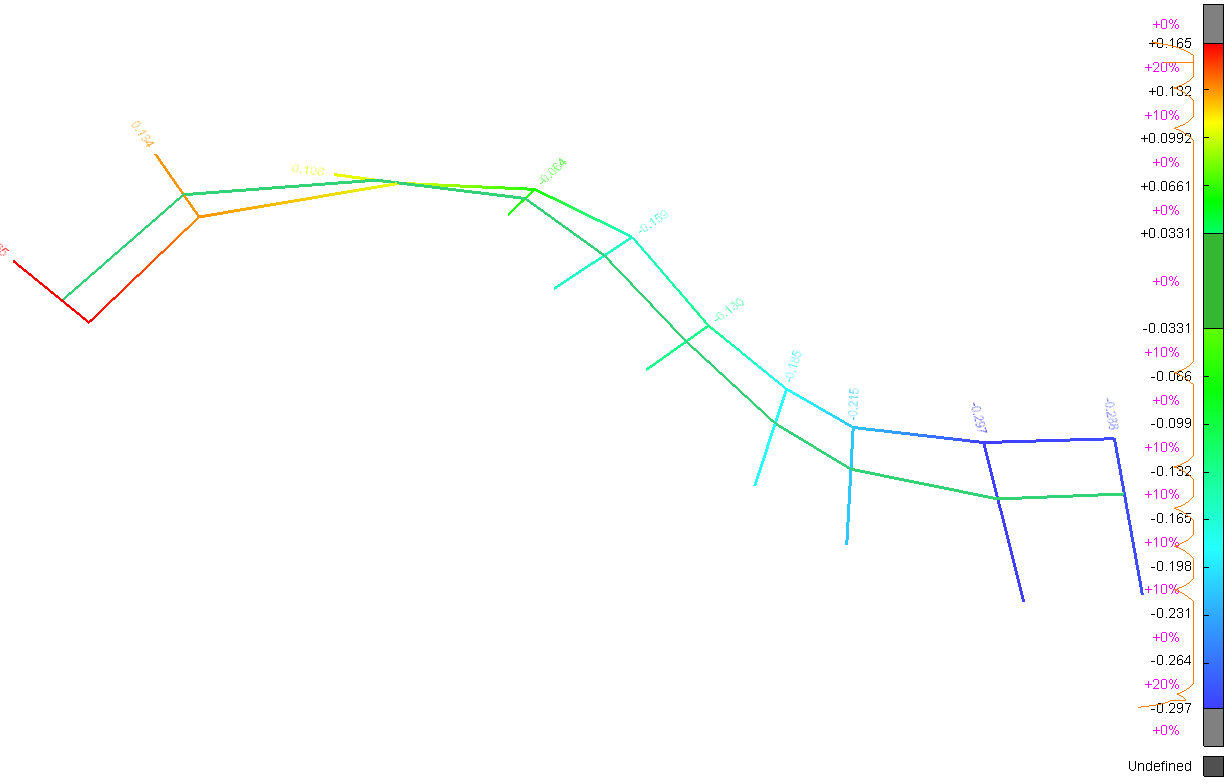
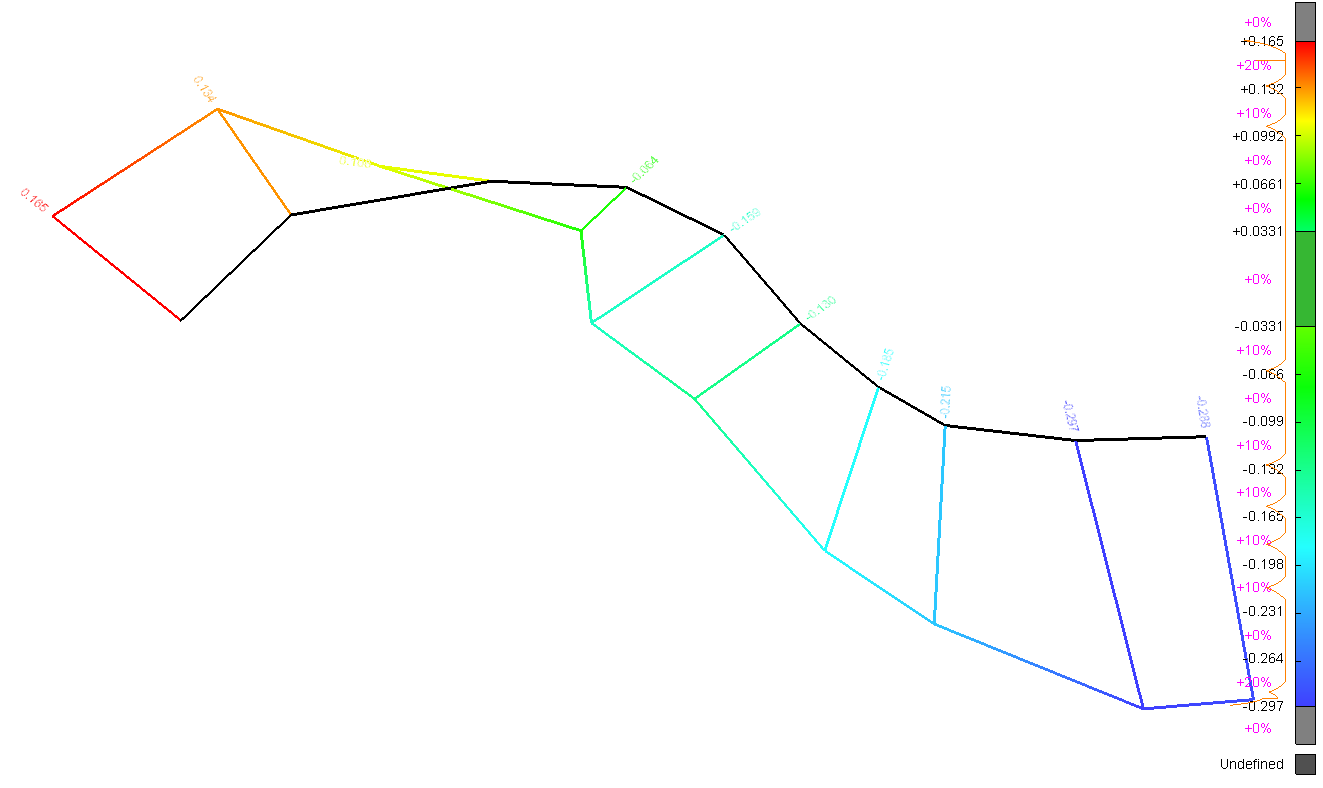
The quotation texts are displayed in the direction of the deviation, as 2D texts. All texts are displayed on the same side. On a closed shape, the texts are displayed outside of the object.