Skip table of contents

Cyclone 3DR | Optimize your settings with management files

Why the external files?

To ensure its flexibility of applications, Cyclone 3DR offers a way to manage some external files with the purpose to allow users to facilitate the software configuration.

The purpose of this section is to clarify the possibilities and the types of external files that can be used through Cyclone 3DR.

For each feature/aspect, the users can:

  • Build a first version of each file from Cyclone 3DR User Interface

  • Export from or Import into Cyclone 3DR

  • Edit the external file in other software tools (notepad, excel, …)

 With those features, the benefits for the users are:

  • Saving time for repetitive jobs

  • Working easily with their favorite settings

  • Collaborating with colleagues and within their organization

  • Optimizing the configurations for each project, each type of end customers

What are the capabilities?

Name

Menu

Feature

File extension

Contents

Example of use cases

Illustration

Class standard

File > Settings

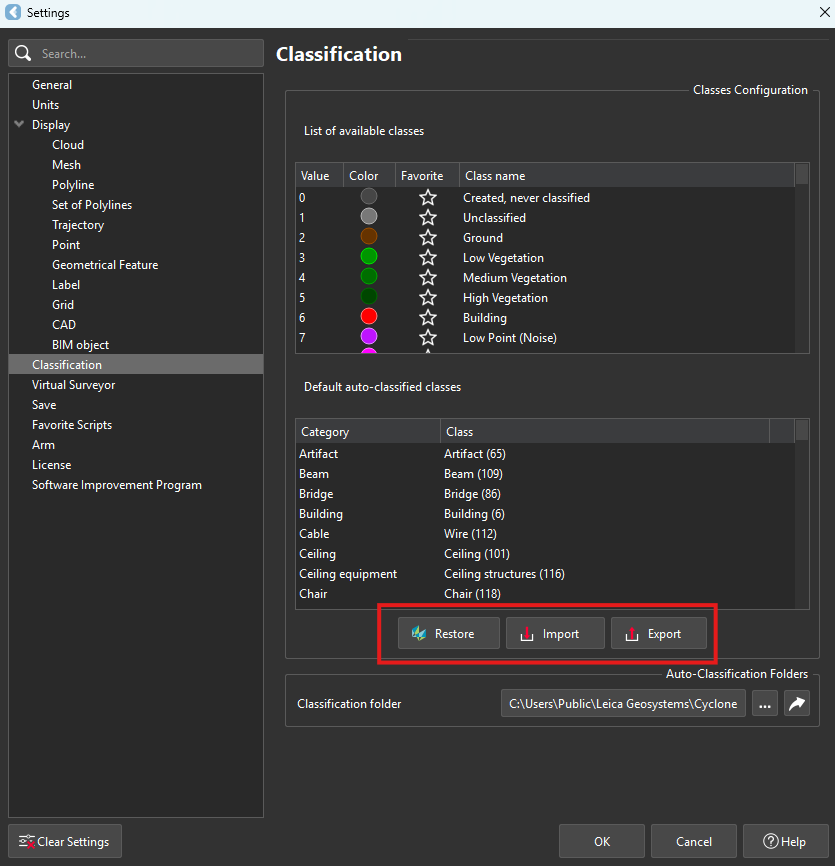
Classification

XML

  •  The list is by default defined the Hexagon standard list composed of 256 indexes. This Hexagon standard is democratized among the Hexagon products using point cloud classification and is compliant with the ASPRS definition of the first 64 indexes.

  • The users can customize the name, the color the “favorite” status for each index among the 256 classes.

  • The Hexagon standard list can be restored in 1-click, which is important for a unified experience between Reality Capture products and adjusted to new models.

  • The list can be exported and reimported to XML.

  • For the usage of Manual Classification for specific jobs, users can edit new classes (color and name) to make sure that all Cyclone 3DR projects are consistant.

  • The users can adapt the names and the colors for a customer who uses a specific standard. The users can then save an XML file to save time when they need to repeat the operation for another job.

a.png

Feature code standard

Extract

Virtual Surveyor

Points on Grid

CSV

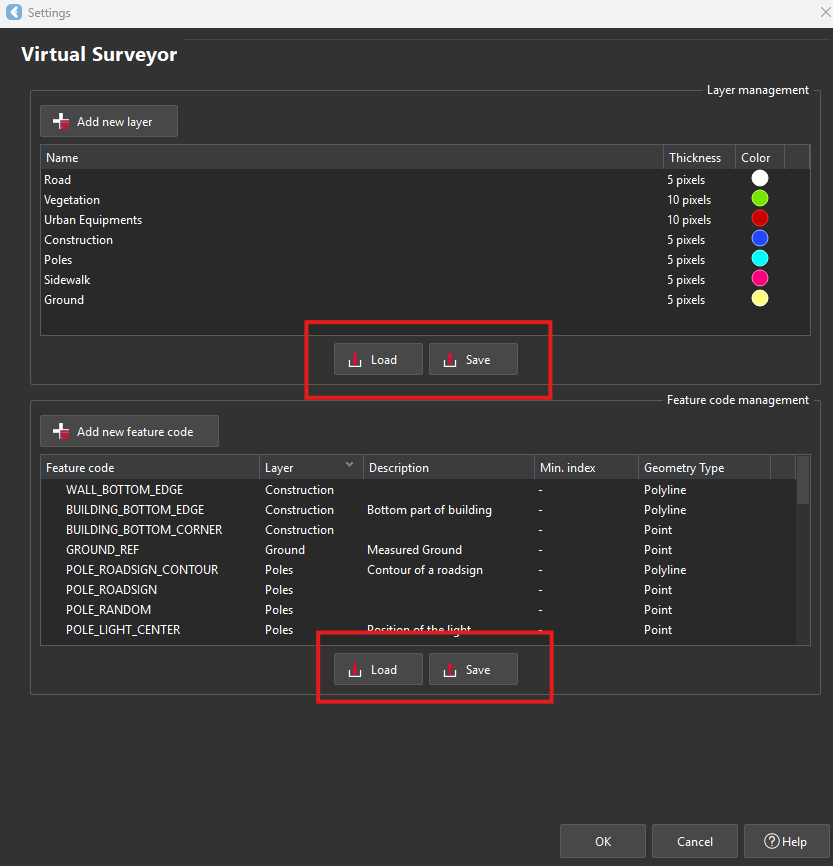
Settings are accessible from Virtual Surveyor feature.

Two types of CSV can be managed for:

  • Layers (colors + names + pixel size of assets)

  • Feature Codes (layers + colors + names + beginning of index + description)


  • Users must deliver topographic plans according to standards that are defined by the end customers (Department of Transportation, Municipality, Local authority, …).

  • It is extremely easy to understand Cyclone 3DR template and to create a customized list of Layers and of Feature Codes in a spreadsheet from any type of text-type files.

image-20241125-105137.png

Colormap definition

Analysis

Edit colors

Gradient

Scripting

RSI

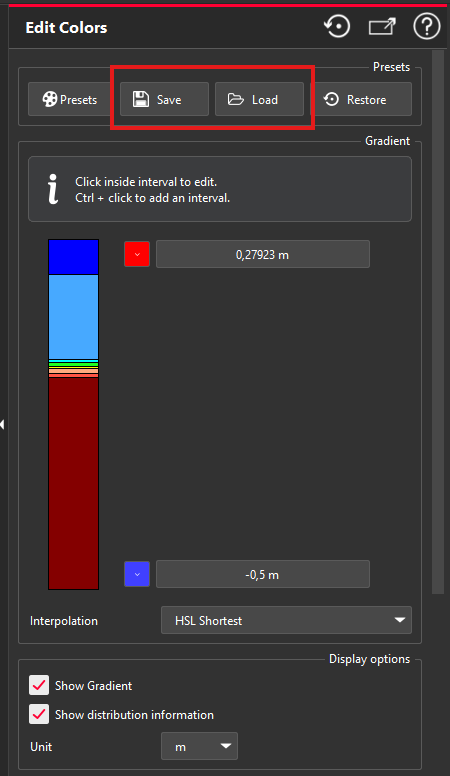
For any colorized/inspected objects (point cloud, models, polylines), the users can edit the color gradient inside the inspection feature or from the “Edit Colors” feature.

With the Save / Load feature, it is very convenient to reuse a specific color gradient for repetittive analysis.

To build a RSI file, the best way is to create it from Cyclone 3DR user interface and to save to RSI. Users can define:

  • the ranges,

  • the steps,

  • the colors,

  • the values,

  • the unit.

Regular or repetititve Design vs As-Built verification:

  • Define a tolerance-standardized colormap for a specific manufacturer, or a specific type of object.

  • Applications are multiple: Manufacturing, BIM, Road or Tunnel analysis, …

image-20241125-105512.png

Report template

Report

Template Library

Scripting

MLT

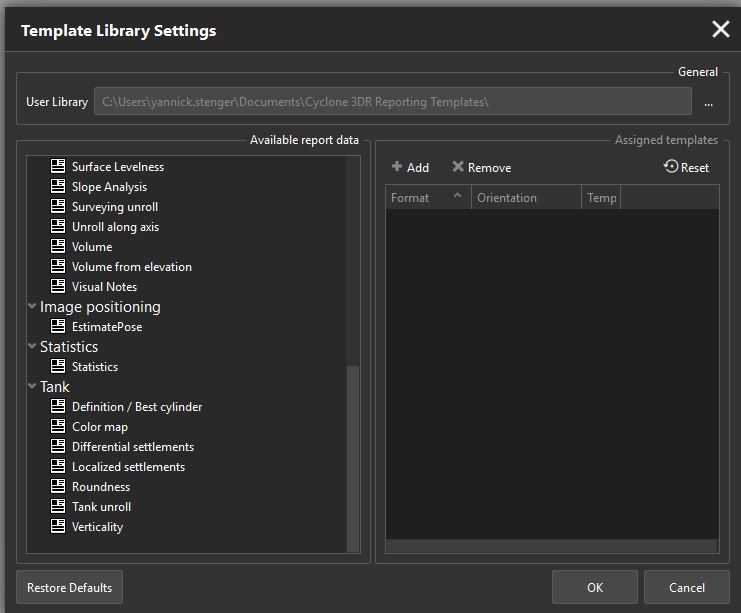
 With the embedded report editor of Cyclone 3DR, there are various templates that are adapted to the different types of chapter:

  • General aspects (footer, header, …)

  • Analysis (Stockpile, Compare/Inspect, …)

  • Image positioning

  • Statistics

  • Tank Inspection workflow

A dedicated help page is part of the online documentation to explain the contents of the templates.

A user might adapt a weekly scan vs as-built comparison report he has to do on a regular basis for his own customer.

Thanks to MLT files, it is easy for him to save and to reuse a template for the repetitive analysis reports.

image-20241125-110525.png

Camera parameters

Texturing

Estimate Pose

Scripting

INCAM
EXCAM

  1. INCAM Files

    • INCAM files typically contain internal camera parameters. These parameters are crucial for photogrammetry processes as they describe the intrinsic properties of the camera used to capture images.

    • Internal parameters might include focal length, principal point coordinates, lens distortion coefficients, and other calibration data that help in accurately reconstructing 3D models from 2D images.

  2. EXCAM Files

    • EXCAM files generally store external camera parameters. These parameters describe the position and orientation of the camera in space relative to a given coordinate system.

    • External parameters include the camera's location (X, Y, Z coordinates) and its orientation (rotation angles or a rotation matrix). These parameters are essential for aligning multiple images or point clouds in a common reference frame.

Those files are usefull in the following cases:

  • Manually defining camera parameters from a set of photos taken by a camera

  • Editing camera parameters of photos taken by a not supported scanner.

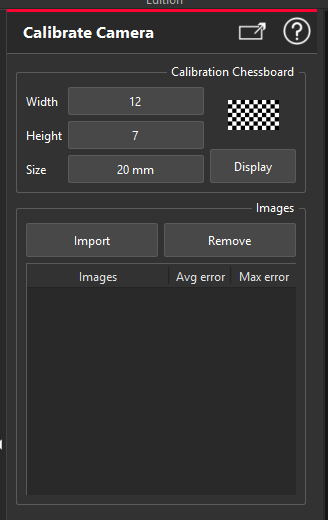
The INCAM file can be generated once for all by the Calibrate Camera commands. Batch edition can also be possible through scripting.

The EXCAM file can be generated per images by Estimate Pos command.

image-20241125-164242.png

Matrix file

Coord Sys

N points Registration

Best Fit Registration

TXT

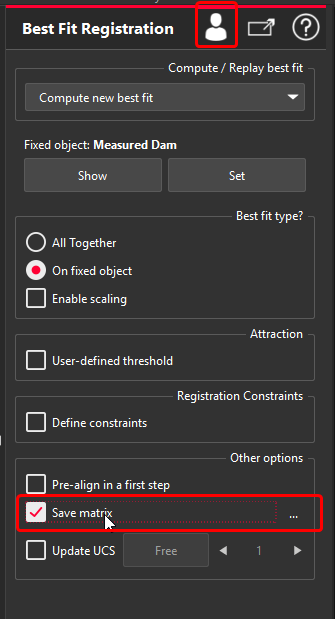
Store the definition of a 3D transformation as a matrix in a file.

  • Apply a bestfit between two objects and export the result in another software.

  • Repetitive best-fit operations for the same project

image-20241125-165223.png

Pipe Catalog Archive

File > Settings

Scan to Pipe

Catalog Manager

ZIP

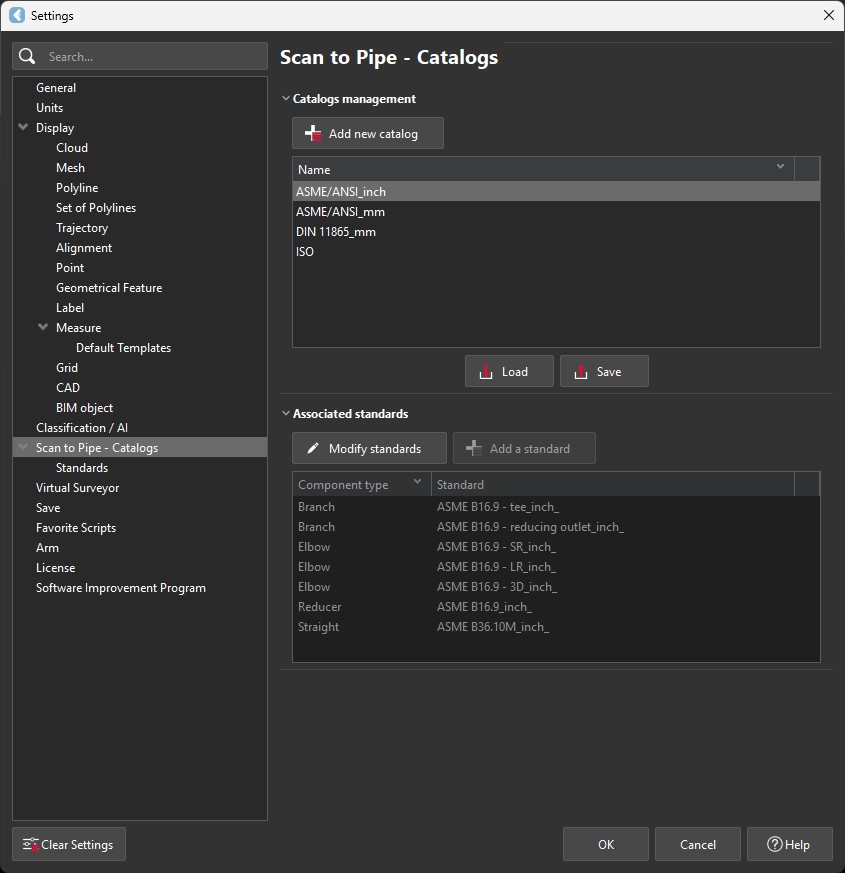
Archive file with:

  • Pipe Catalog

  • Standards with dimensions for supported piping assets: straight pipes, branches, reducers and elbows

  • Catalogs that are not part of the embedded ones (ISO and ASME)

  • Collaboration with colleagues

  • Migrate from Cyclone CORE

Cyclone 3DR 2025.2_Scan2Pipe_Catalog_Settings01.jpg

Measure default templates

File > Settings

Measure

Default templates

HLT

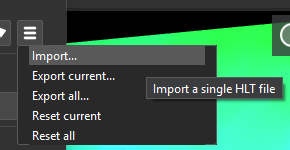
The default pieces of information part of the measures (angle, distance, volume, inspection, FF/FL values, geometric object info, …).

  • Collaboration with colleagues

  • Apply specific standards

  • Respect customer preferences

image-20251014-151424.png

JavaScript errors detected

Please note, these errors can depend on your browser setup.

If this problem persists, please contact our support.