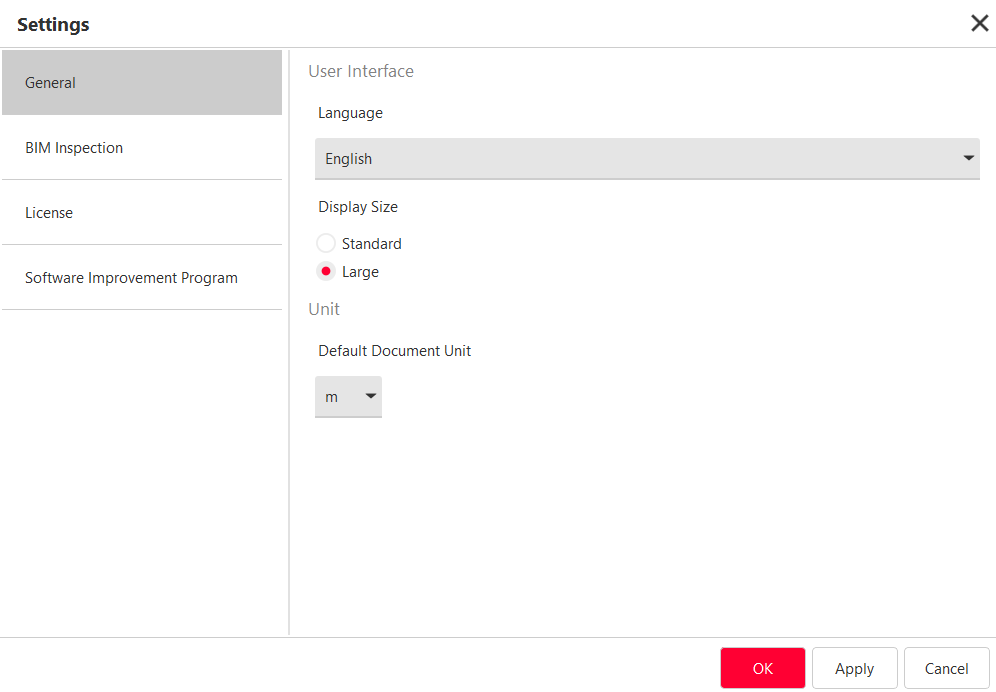
Display Size: it will apply a scale factor to the display to fit either to HD or 4K tablet devices.
Standard Size details
Standard Size is more suitable for lower screen sizes.
It has been validated with the following configuration:
display diagonal: 10.7" (27.2 cm)
resolution: 1920 x 1280
Windows scaling: 150%
Unit: set the default unit for next projects. To modify the current project unit, you have to switch to desktop mode (refer to Change Current Unit or Repair Project Unit).