Open the file SectionsDynamic.3dr (download).
In the scene, show only the mesh DamRock and the polyline Center axis.
We are going to create regular sections of the mesh with a tool which allows computing planar sections around an axis.
Select the mesh and go to Radial Sections. Use the polyline to define the rotation axis (  to define its direction,
  to define its position). The axis is displayed in the 3D scene with arrows showing the direction of the rotation.
If you set the view to X (press X on the keyboard), you can see that the axis is vertical.
Choose Regular option. Enter 30 as Number of steps, so each section is created with a rotation angle of 12° from the previous one around the defined axis (360/30 = 12).
Click Preview then OK to validate the results. You should have a result similar to the image below.
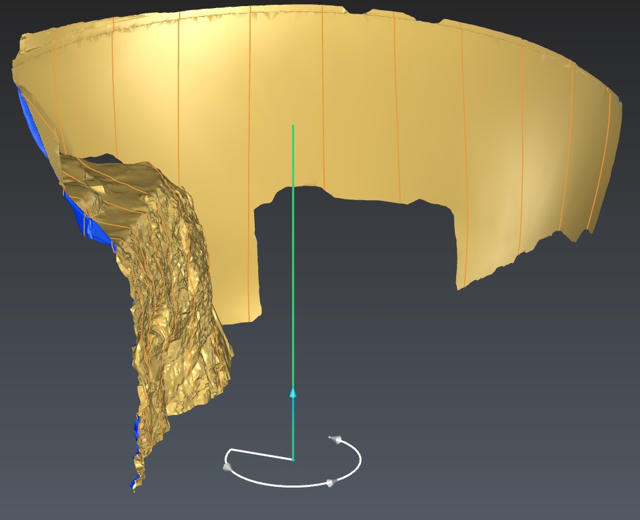
Create radial sections of a mesh