Open the file Victory.3dr (download).
As the 3 meshes (Main part, Wing1 and Wing2) have common borders, we can create a closed mesh (so a closed volume). To do so, select the three meshes then go to Merge Common Borders, select the option Do not modify borders and click OK. You will have only one mesh without any holes.
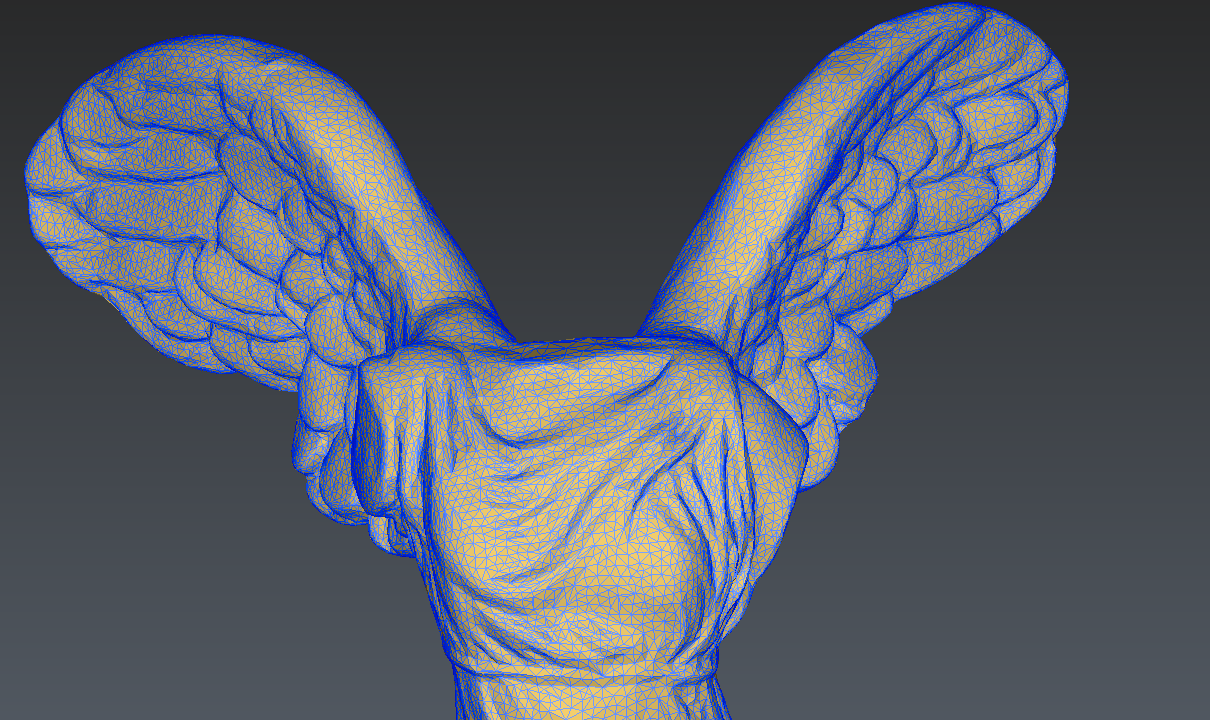
The merged mesh